- PHP2Shell is two critical RCE bugs in PHP itself —
CVE-2026-109618andCVE-2026-109619— not in Laravel or any package. - One unauthenticated request is enough; your application code never gets a chance to block it.
- Fixed in PHP 8.5.12, 8.4.27, 8.3.36 and 8.2.35. Anything older is exposed.
- Exploitation was spotted in the wild on October 17, four days before public disclosure.
composer updatedoes nothing — only upgrading PHP and restarting PHP-FPM fixes it.- Can't patch today? Enable Cloudflare's WAF rules, move off mod_php, and scan with
php2shell-scanner.
If you run anything on PHP — a Laravel app, a WordPress site, a plain PHP API — stop reading after this paragraph and check your PHP version. On October 21, 2026, the PHP team released emergency fixes for two critical security bugs, together called PHP2Shell. They let an attacker run code on your server with one web request, with no login and no special setup. Attackers were already trying them before the public even knew.
The fixed versions are PHP 8.5.12, 8.4.27, 8.3.36 and 8.2.35. If you are below these, you are exposed.
Now, here is what happened, in simple words.
What is PHP2Shell?
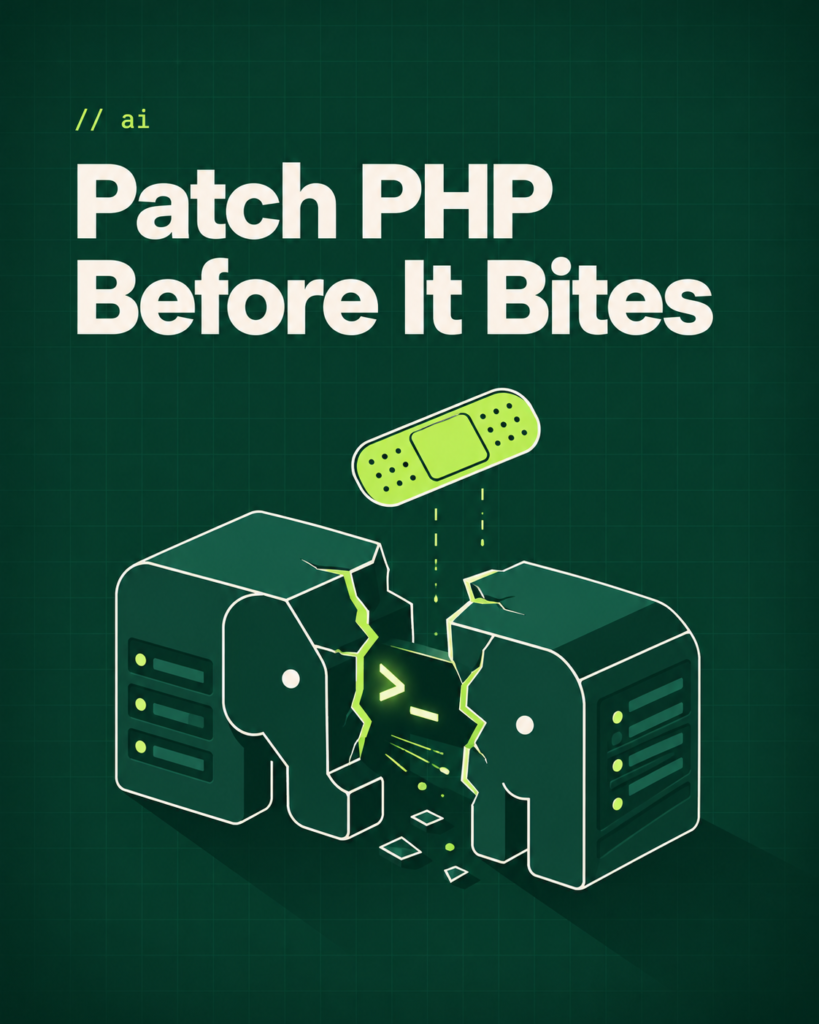
PHP2Shell is the name given to two bugs deep inside PHP itself — not in Laravel, not in WordPress, not in any package you installed. They are in the engine that runs every PHP request.
- CVE-2026-109618 is about memory. When PHP runs out of memory in the middle of handling a request, some internal data is left half-built. PHP’s cleanup step then trusts that broken data as if it were fine. An attacker can shape a request so that this “trust” turns into running their own code.
- CVE-2026-109619 is about leftovers. PHP workers handle many requests one after another. Some data that belonged to one request can outlive the memory it was stored in. The next request on the same worker can pick it up before it is reset. Again, a careful attacker can turn that into code execution.
Both are rated CVSS 9.2, which is close to the top of the scale. Both can be triggered by a single unauthenticated HTTP request. Your application code never gets a chance to stop it, because the attack happens before your code runs.
The researchers who analysed the bugs say they have been in PHP for many years. Nobody noticed until now.
Who is affected?
Almost everyone. The bugs affect every common way of serving PHP:
- PHP-FPM (what most Laravel servers, Forge, and Docker images use)
- Apache with mod_php (the highest risk, because of how it shares memory)
- php-cgi
- FrankenPHP
- LiteSpeed
It does not matter which framework you use. Laravel, Symfony, WordPress, CodeIgniter, plain PHP — if the PHP binary underneath is old, the server is vulnerable.
Is this already being exploited?
Yes. Amazon’s threat intelligence team reported that one of its honeypots saw a PHP2Shell attack attempt on October 17 — four days before the bugs were made public. The traffic came from an anonymised IP. Nobody knows yet how the attacker learned the details early.
Since disclosure, security vendors have confirmed working exploits exist. The UK’s National Cyber Security Centre went as far as saying that systems which cannot be patched should be taken offline.
Some products are also affected because they ship PHP inside them. Palo Alto Networks has said all versions of PAN-OS and Panorama are affected and had no fix at the time of writing. Fortinet and Cisco were still checking their products.
How to check your version
On your server, run:
bash
php -vIf you use PHP-FPM, also check the FPM binary, because it can be a different version from the CLI:
bash
php-fpm8.3 -v # adjust to your versionOr create a file with <?php phpinfo(); and open it in the browser (delete it afterwards). You need to see 8.5.12, 8.4.27, 8.3.36 or 8.2.35 or higher.
Which PHP version do you need?
| Your PHP branch | Safe version (or higher) | What to do |
|---|---|---|
| 8.5 | 8.5.12 | Update PHP, restart FPM or web server |
| 8.4 | 8.4.27 | Update PHP, restart FPM or web server |
| 8.3 | 8.3.36 | Update PHP, restart FPM or web server |
| 8.2 | 8.2.35 | Update PHP, restart FPM or web server |
| 8.1, 8.0, 7.4 | No official release | Apply the source patch or upgrade to a supported branch |
If php -v shows a lower number than the one in the middle column, your server is exposed.
How to fix it
Ubuntu / Debian (Ondřej Surý PPA):
bash
sudo apt update && sudo apt upgrade php8.3-*   # or your version
sudo systemctl restart php8.3-fpm
Docker: pull the latest official image and rebuild.
bash
docker pull php:8.3-fpmLaravel Forge: go to your server, open the PHP tab, and use “Update PHP” for each installed version. Restart FPM afterwards.
Laravel Vapor / Herd / Sail: update to the latest runtime, Herd release, or Sail image respectively, then redeploy.
Shared hosting: you cannot patch PHP yourself. Open a ticket with your host today and ask when they are rolling out the PHP2Shell fixes. If they cannot answer, that tells you something.
Remi repository users (RHEL, Rocky, Alma): at disclosure time, Remi had not yet published updated packages. Use your distribution’s own packages if available, or build from source.
Note that composer update does nothing here. This is not a package problem. Only updating PHP itself fixes it.
What if you are on PHP 8.1 or older?
PHP 8.1, 8.0 and 7.4 are no longer supported upstream, so there are no official releases for them. The PHP team did publish minimal source patches for these versions, meant for people who build from source or who do not have a vendor providing long-term support. Realistically, this is the push you needed to upgrade to a supported version.
If you cannot patch today
A few things reduce risk while you arrange the update:
- Cloudflare has deployed WAF rules for the known attack patterns, available on all plans including free.
- Searchlight Cyber released a free scanner, php2shell-scanner, to test whether a host is exposed from the outside.
- If you are on mod_php, consider switching to PHP-FPM, which has long been the recommended setup anyway.
These are stopgaps, not fixes. Patch as soon as you can.
Is Laravel affected?
Laravel is affected only because it runs on PHP. There is nothing to change in your Laravel code, your .env, or your composer.json. Update PHP, restart FPM, and you are done.
Patched? Now check you were not already hit
Updating PHP closes the hole. It does not remove anything an attacker may have left behind if they got in first. Exploit attempts were seen before the bugs were public, so a quick check is worth the time.
- Look for PHP files you did not create, especially in upload, cache and
publicfolders. - Check crontabs for every user, including
www-data. - Review web server and PHP-FPM logs from mid-October onwards for unusual requests or crashes.
- Look for new SSH keys, new system users or unexpected outbound connections.
- Rotate secrets stored in
.env, such as database passwords, API keys andAPP_KEY, if anything looks wrong.
If you find something suspicious, treat the server as compromised. Rebuild it from a clean image rather than trying to clean it in place.
Key takeaways
- PHP2Shell is two critical remote code execution bugs in PHP itself.
- One unauthenticated request is enough; your app code cannot block it.
- Fixed in PHP 8.5.12, 8.4.27, 8.3.36 and 8.2.35.
- Exploitation was spotted before public disclosure.
- Upgrade PHP today, restart your PHP-FPM or web server, and confirm with
php -v.
This post will be updated as vendors release fixes and more details become public.
01Sources
What is PHP2Shell?
PHP2Shell is the name given to two critical remote code execution bugs in PHP itself, CVE-2026-109618 and CVE-2026-109619. They let an attacker run code on a server with a single unauthenticated web request. They were disclosed and patched on October 21, 2026.
Which PHP versions are affected by PHP2Shell?
Every supported PHP version before the fixed releases, plus all unsupported versions (8.1, 8.0, 7.4 and older). The bugs have existed in PHP for many years.
Which PHP versions fix PHP2Shell?
PHP 8.5.12, 8.4.27, 8.3.36 and 8.2.35. Anything at or above these is safe. Minimal source-only patches were also published for 7.4, 8.0 and 8.1.
Is Laravel affected by PHP2Shell?
Only indirectly. The bugs are in PHP, not in Laravel or any Composer package. You do not need to change your Laravel code. Updating PHP and restarting PHP-FPM is the fix.
Does composer update fix PHP2Shell?
No. Composer manages packages, not the PHP binary. Only upgrading PHP itself fixes the vulnerability.
Does it matter if I use PHP-FPM or mod_php?
Both are affected. mod_php (Apache) is considered higher risk because of how it shares memory between requests, but PHP-FPM, php-cgi, FrankenPHP and LiteSpeed are all vulnerable until patched.
Is a WAF enough to protect against PHP2Shell?
No. A web application firewall such as Cloudflare's can block known attack patterns, but attackers can change the shape of their requests to get around those rules. A WAF is a stopgap that buys you time while you arrange the update. The only real fix is updating PHP to 8.5.12, 8.4.27, 8.3.36, 8.2.35 or later.
Do I need to restart PHP-FPM after updating PHP?
Yes. Running PHP-FPM workers keep using the old binary until they are restarted. After installing the update, restart PHP-FPM, or Apache if you use mod_php. Then confirm the version the web server actually uses, for example with phpinfo() or php-fpm -v, not just php -v on the command line.
Is WordPress affected by PHP2Shell?
WordPress is affected only because it runs on PHP. The bugs are in PHP itself, so updating WordPress core or plugins does not fix them. You need to update the PHP version on your server, or ask your host to do it on shared hosting. After that, no WordPress changes are required.
How do I know if my server was hacked through PHP2Shell?
Look for signs an attacker left behind: unknown PHP files in upload or public folders, new cron jobs, new users or SSH keys, and unusual requests or crashes in your logs since mid-October. If you find anything suspicious, treat the server as compromised, rebuild it from a clean image and rotate all secrets.